The Ultimate Website Redesign Checklist: 15 Essential Points
Why You Need a Website Redesign
Signs It's Time to Redesign Your Website
Your website is like your digital storefront. If it looks outdated, potential customers might just walk on by. Here are some signs that it's time for a website redesign:
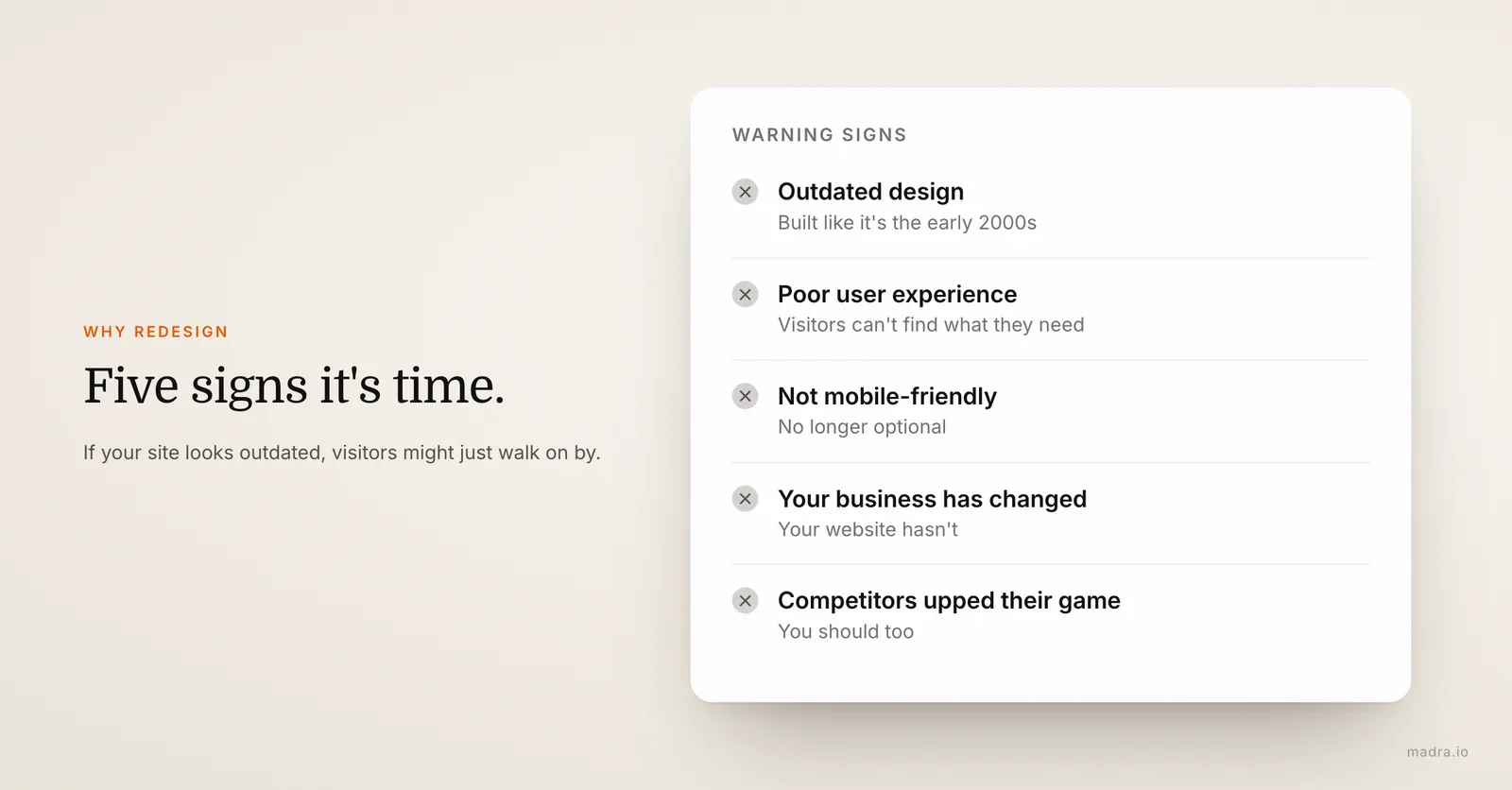
- Outdated design and functionality: If your site looks like it was built in the early 2000s, it's probably time for a refresh. Modern design trends can make your site more appealing and functional.
- Poor user experience: If visitors struggle to navigate your site or find what they're looking for, they're unlikely to stick around. A redesign can enhance usability.
- Need for mobile optimization: With more people browsing on their phones, a mobile-friendly site isn't optional—it's essential.
- Changes in branding or business focus: If your business has evolved but your website hasn't, it's time to align your online presence with your current brand.
- Increased competition: If competitors have upped their game, you should too. A fresh website can help you stay competitive.
Benefits of a Website Refresh
Redesigning your website isn't just about aesthetics; it can have a powerful impact on your business:
- Improved user engagement: A modern, easy-to-use site can keep visitors on your page longer, increasing the chances of conversion.
- Better SEO performance: A redesign can help optimize your site for search engines, boosting your visibility. For context, see why a professional website matters for your business.
- Increased credibility: A professional-looking website can enhance your brand's credibility and trustworthiness.
- Higher conversion rates: An optimized site can lead to more inquiries, sales, or whatever conversion metric matters to you.
Ready to give your website a fresh start?
Create my website →The 15-Point Checklist Before Redesigning Your Website
1. Conduct a Content Audit
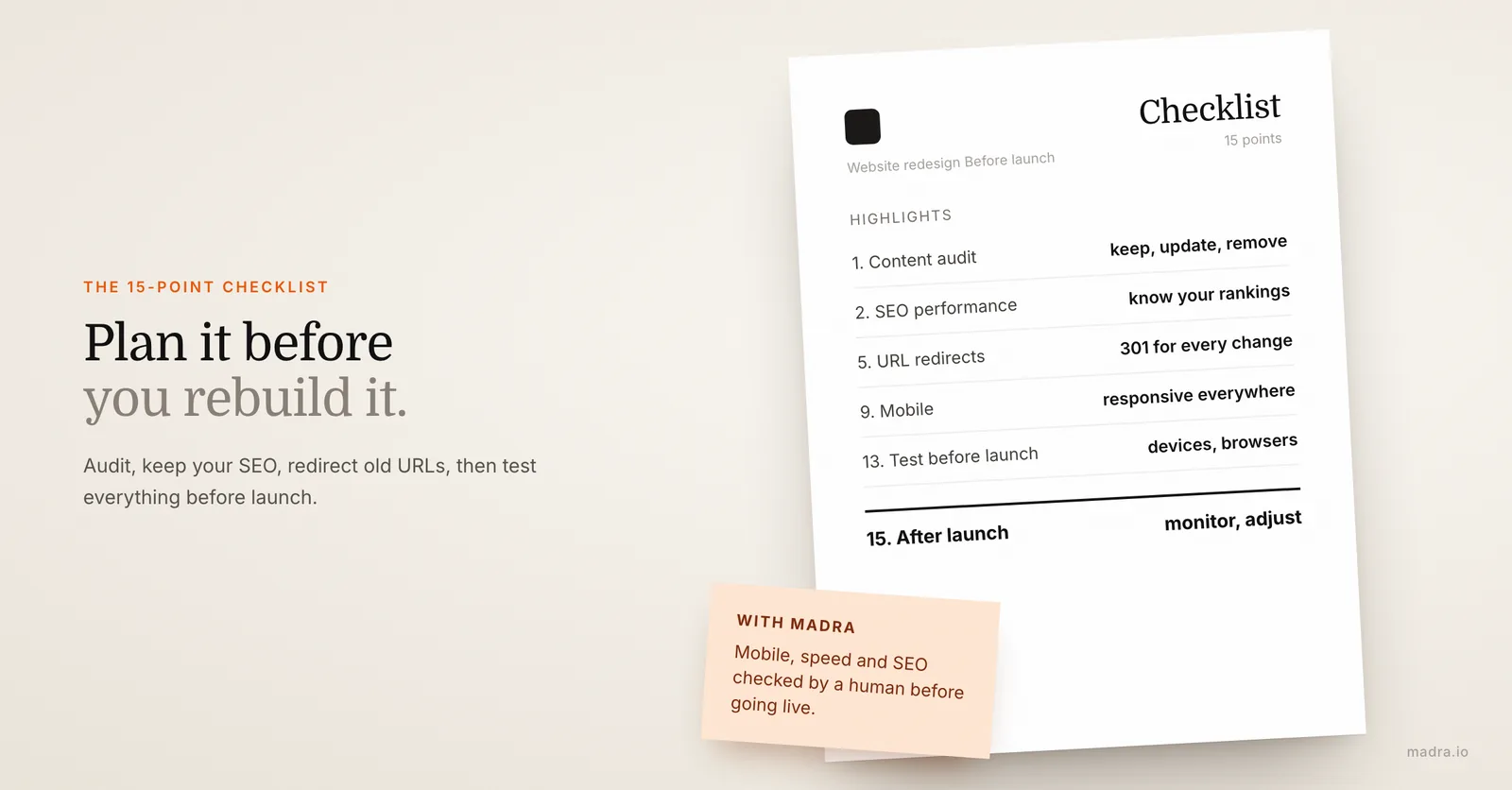
Start by reviewing your current content. Identify what performs well and what doesn't. This will help you decide what to keep, update, or remove.
2. Analyze Your Current SEO Performance
Use tools to assess your current SEO standings. Understand which keywords you're ranking for and how you can improve. This will help preserve your existing SEO rankings during the redesign.
3. Define Your Goals and Objectives
Clearly articulate what you want to achieve with your redesign. Whether it's more traffic, better engagement, or increased sales, knowing your goals will guide your strategy.
4. Identify Your Target Audience
Understand who your audience is and what they want. Your website should cater to their needs and preferences to attract and retain them effectively.
5. Plan for URL Redirects
When you change URLs, use 301 redirects to ensure visitors and search engines find your new pages. This is crucial for maintaining your SEO rankings.
6. Choose the Right Platform (like Madra)
Select a website builder that fits your needs. Platforms like AI-powered website builders offer user-friendly tools and features that make the redesign process efficient.
7. Create a Sitemap
Map out the structure of your new site. A clear sitemap ensures all important pages are included and helps with navigation and SEO.
8. Design for User Experience
Focus on creating a seamless user experience. This includes intuitive navigation, clear calls to action, and a visually appealing design.
9. Optimize for Mobile Devices
Ensure your site is responsive and looks great on all devices. Mobile optimization is crucial for both user experience and SEO.
10. Ensure Fast Loading Times
Page speed is critical. Optimize images, leverage browser caching, and minimize scripts to ensure your site loads quickly. Curious about timelines? See how long it takes to create a website.
11. Plan for Visual Content
High-quality images and videos can significantly enhance your site's appeal. Plan your visual content to support your brand and message.
12. Implement Analytics Tracking
Set up analytics to track your site's performance. This data will be invaluable for understanding user behavior and measuring success post-launch.
13. Test Before Launch
Conduct thorough testing to identify and fix any issues. Test on different devices and browsers to ensure a consistent experience.
14. Prepare a Launch Plan
Plan your launch to ensure a smooth transition. Consider timing, marketing, and communication strategies to maximize impact.
15. Monitor Performance Post-Launch
After launch, continuously monitor your site's performance. Use analytics to track key metrics and make adjustments as needed.
When should I consider redesigning my website?
Consider a redesign if your site looks outdated, isn't mobile-friendly, or if your business goals have changed.
What is the difference between a website redesign and a refresh?
A redesign involves a complete overhaul, while a refresh may update certain elements like design or content.