How to Build a Website with AI: A Step-by-Step Guide

Step 1: Define Your Business and Goals
Identify Your Target Audience
Before diving into how to build a website with AI, it's crucial to have a clear understanding of what your business offers and who your audience is. Consider who will benefit most from your products or services. Are they young professionals, families, or perhaps small business owners? Identifying your target audience helps tailor your website to their needs and preferences.
Outline Your Website's Purpose
Determining the main goals of your website is essential. Are you looking to boost sales, provide information, or showcase a portfolio? Each goal will influence the design and functionality of your website. For instance, an e-commerce site will focus on product listings and checkout processes, while a portfolio site will highlight visuals and client testimonials.
Ready to define your business goals and build your website?
Create my website →Step 2: Choose an AI Website Builder
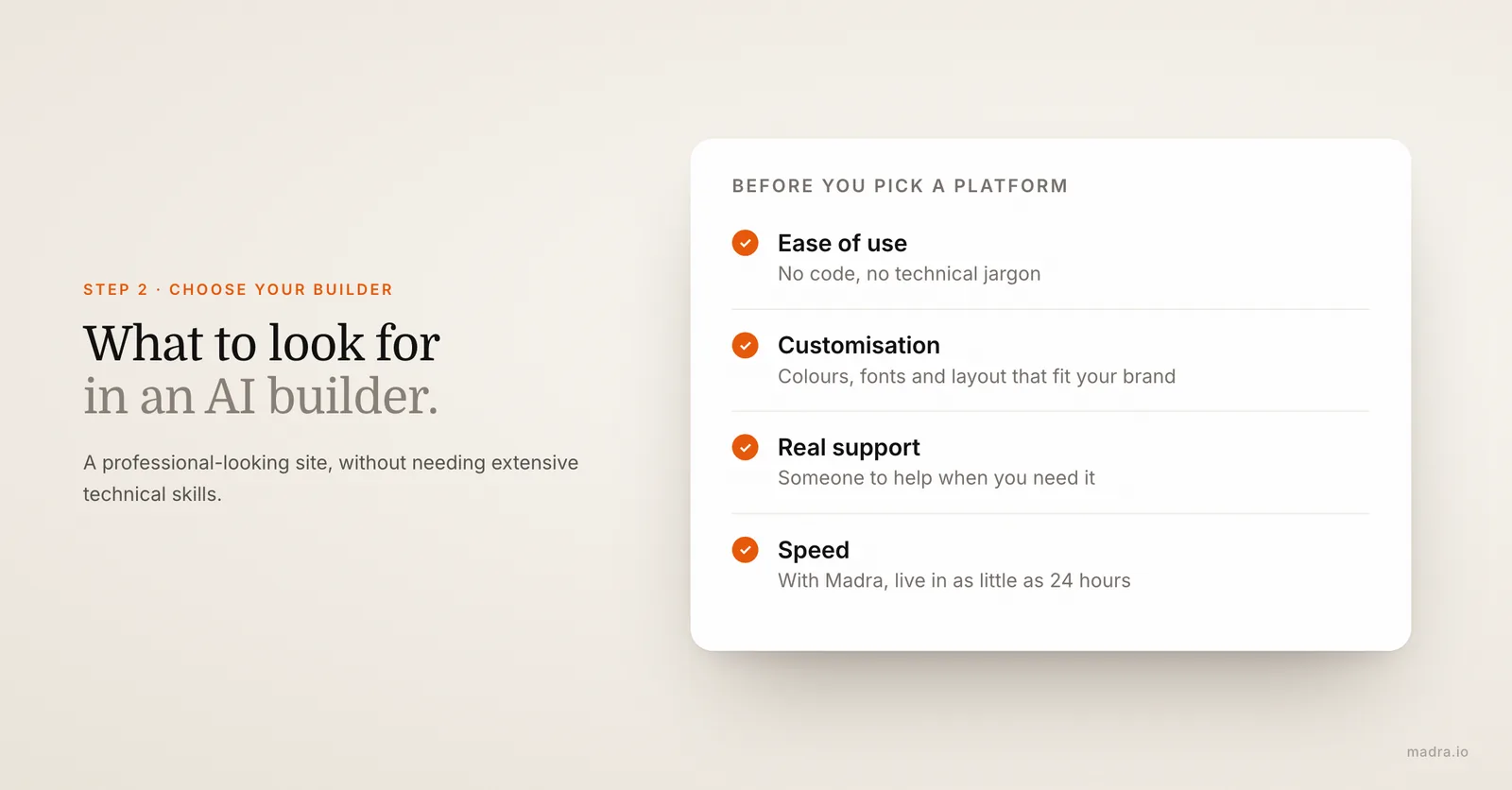
What to Look for in an AI Builder
When selecting an AI website builder, consider features like ease of use, customization options, and customer support. You want a platform that allows you to create a professional-looking site without needing extensive technical skills. Look for options that offer drag-and-drop interfaces, a variety of templates, and robust support to help you when needed.
Why Choose Madra for Your Website
Madra stands out as a top choice for AI website building. With its user-friendly interface, you can have your website up and running in as little as 24 hours. Madra offers extensive customization options, allowing you to tailor your website to perfectly fit your brand. Plus, their support team is always ready to assist you, ensuring a smooth website building experience.
Step 3: Design Your Website
Select a Template
Choosing the right template is a critical step in the design process. Your template should align with your brand's aesthetics and the website's purpose. Madra designs each site around its industry, so it speaks to your audience instead of looking like a template.
Customize Your Design
Once you've selected a template, it's time to customize it. Use AI tools to adjust colors, fonts, and layouts to match your brand's identity. Madra's AI builds a cohesive, professional look around your business, and a human reviews it before launch.
Step 4: Add Content to Your Website
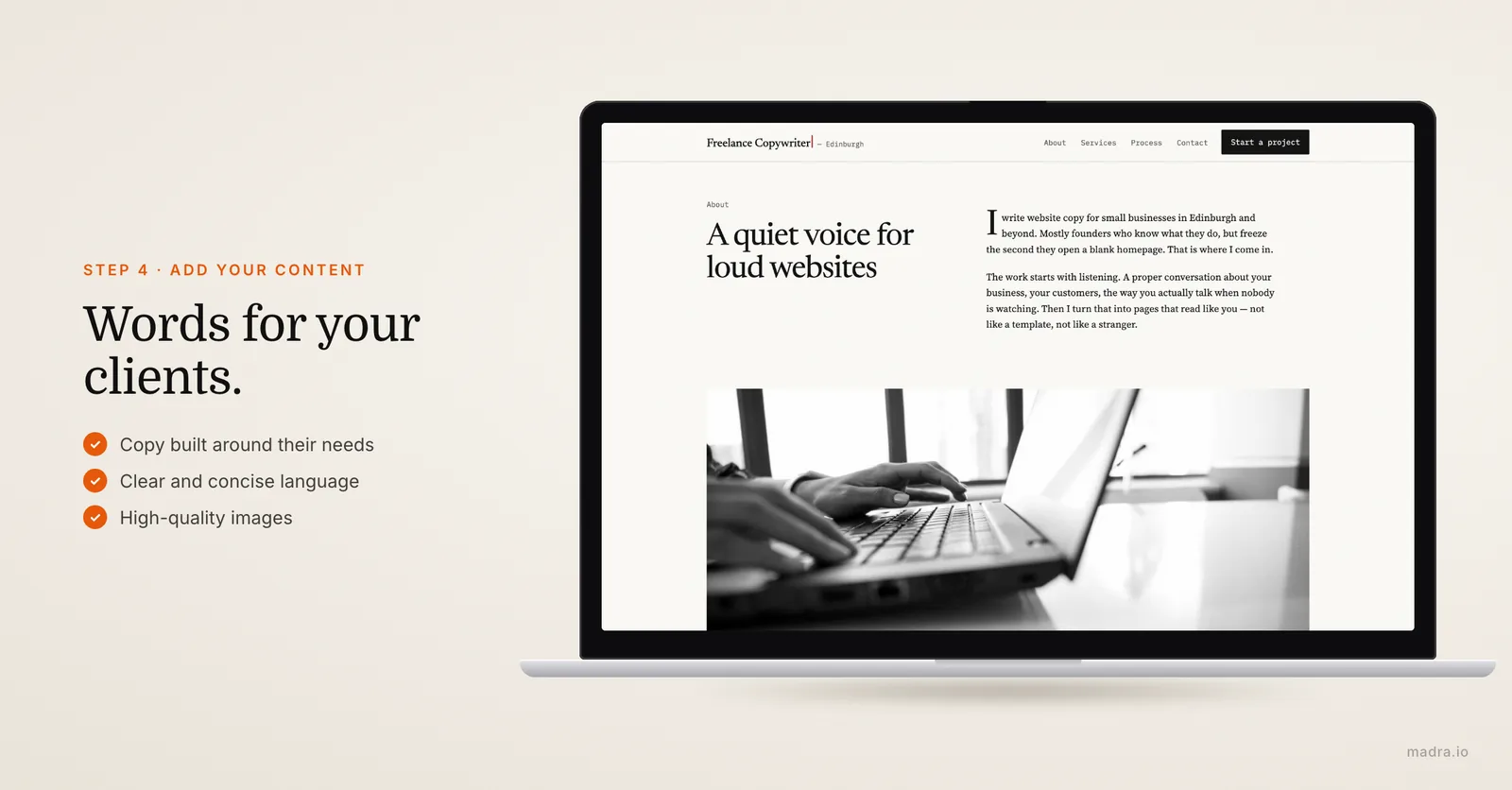
Craft Compelling Copy
Engaging text is key to capturing your audience's attention. Write content that speaks directly to them, addressing their needs and highlighting the benefits of your offerings. Use clear and concise language, and consider using AI writing tools to help generate ideas or refine your content.
Incorporate Visuals
Visual elements play a significant role in keeping visitors engaged. Use high-quality images and videos that complement your text. Madra's AI can help generate images or provide access to a rich library, ensuring your visuals are as compelling as your copy.
Step 5: Optimize Your Website for SEO
Use AI for Keyword Research
Search engine optimization is crucial for driving traffic to your website. Start by identifying relevant keywords that your target audience is likely to use. AI tools can assist in discovering these keywords, ensuring you're targeting the right terms to improve your search engine rankings.
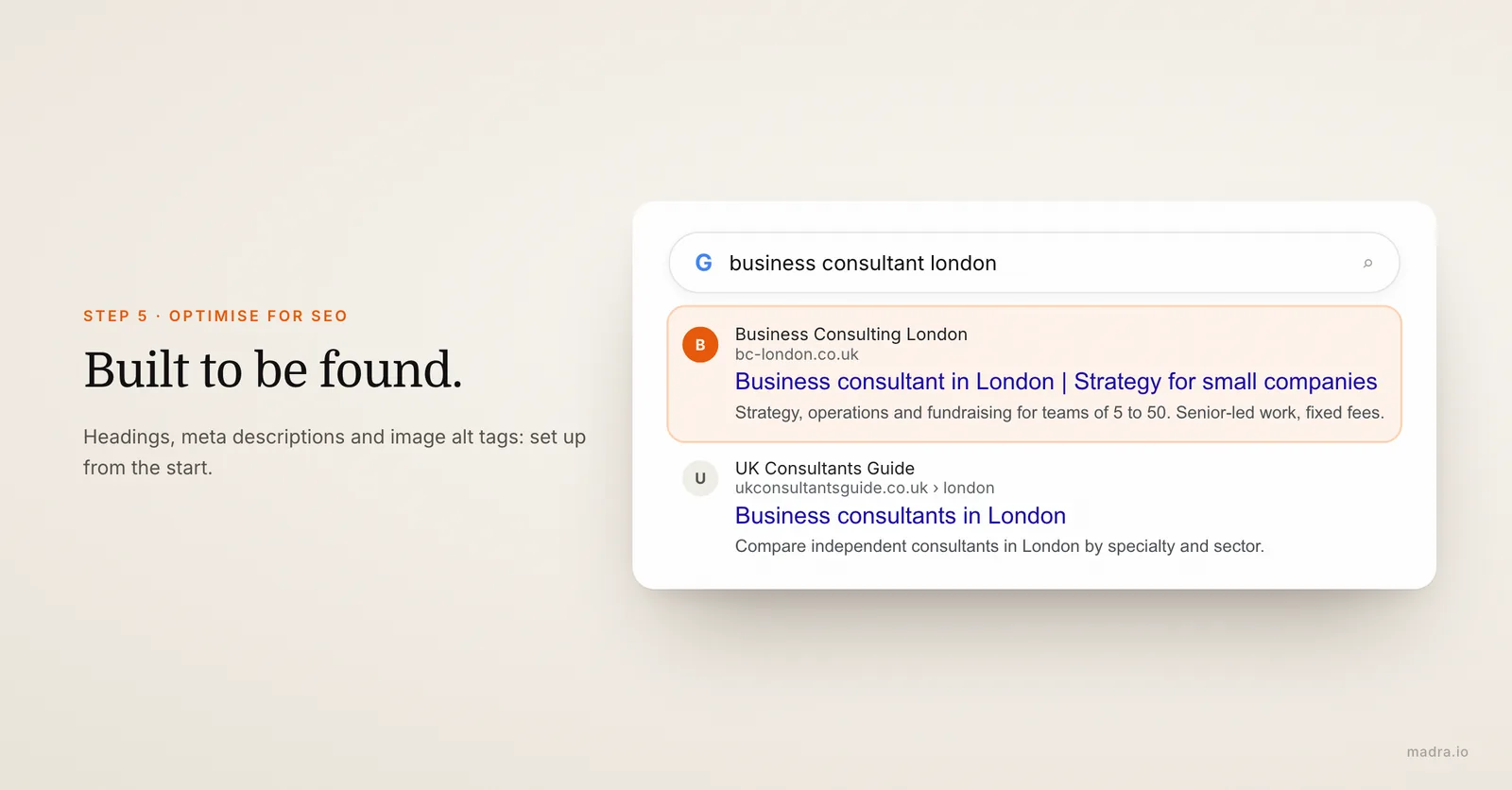
Implement On-Page SEO Techniques
Ensure your website's structure is optimized for search engines. This includes using proper headings, meta descriptions, and alt tags for images. Madra makes it easy to implement these techniques, helping your site rank higher in search results.
Step 6: Launch Your Website
Test Your Website
Before going live, thoroughly test your website to ensure everything functions correctly. Check for broken links, ensure forms work, and test the website's responsiveness across different devices. This step is crucial to providing a seamless user experience.
Go Live
Once satisfied with your website's performance, it's time to publish it. Share your new site with your audience through social media, email newsletters, and other marketing channels. Celebrate this milestone with your audience and encourage them to explore your new online presence.
Step 7: Monitor and Improve
Analyze Website Performance
After launching your website, use analytics tools to track visitor behavior and engagement. Understanding how users interact with your site provides valuable insights into what's working and what needs improvement.
Make Necessary Adjustments
Based on the data collected, continuously update and improve your website. This could involve adding new content, optimizing existing pages, or tweaking design elements. Regular updates ensure your website remains relevant and effective in achieving your business goals.
Can AI build me a website?
Yes, AI can significantly simplify the website building process. With platforms like Madra, you can create a professional website tailored to your needs without needing extensive technical skills.