Ecommerce Website Design: The Complete 2026 Guide
What good ecommerce website design actually looks like
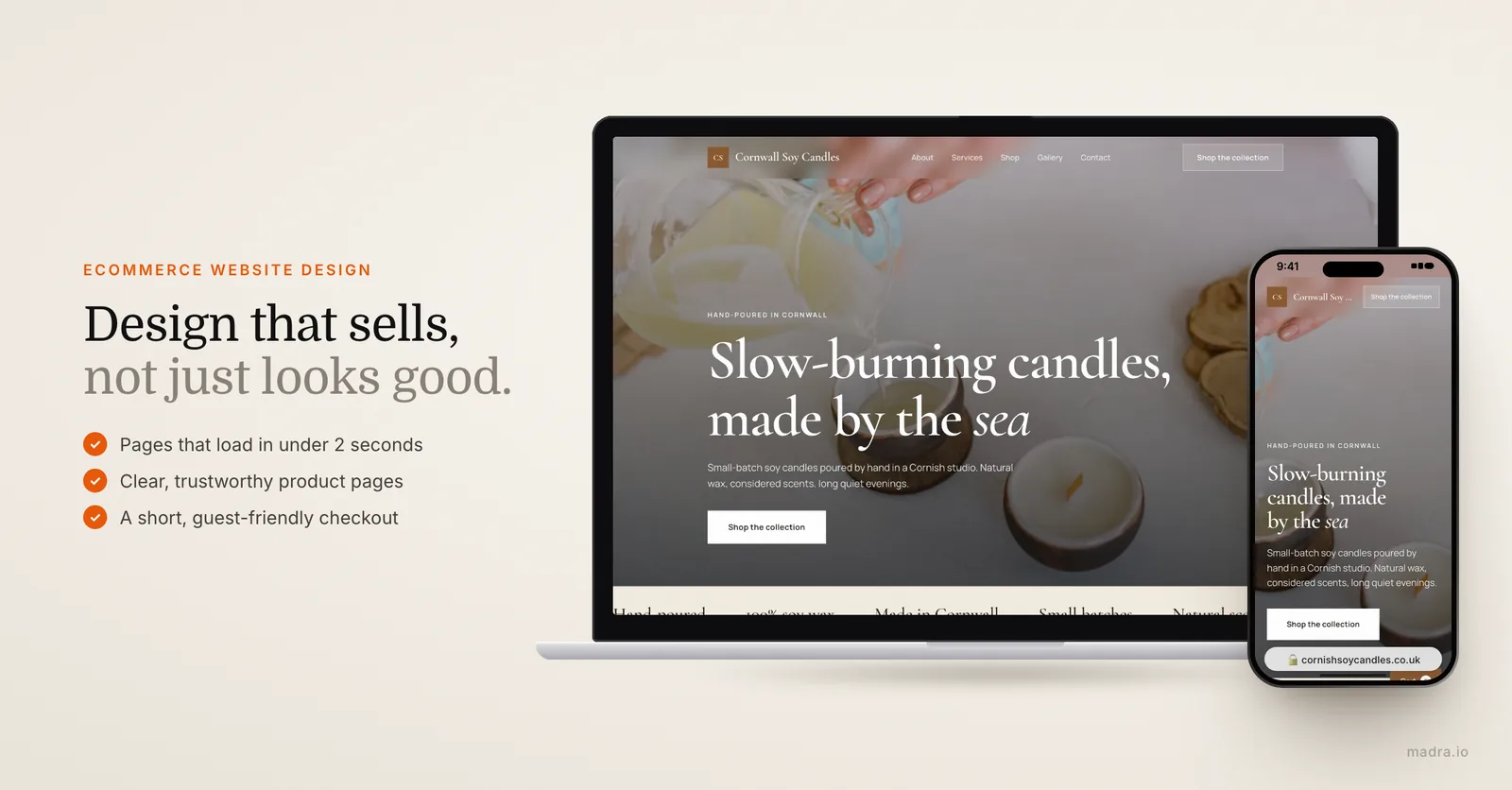
Beautiful and effective are not the same thing. The best ecommerce web design is invisible: shoppers find what they want, trust the store, and check out without a second thought. Every design choice should serve one goal, which is moving a visitor from landing page to confirmed order.
Here is what separates a store that converts from one that just looks nice:
- Speed. Pages should load in under two seconds. Every extra second of load time can cost you conversions and hurts your Google ranking.
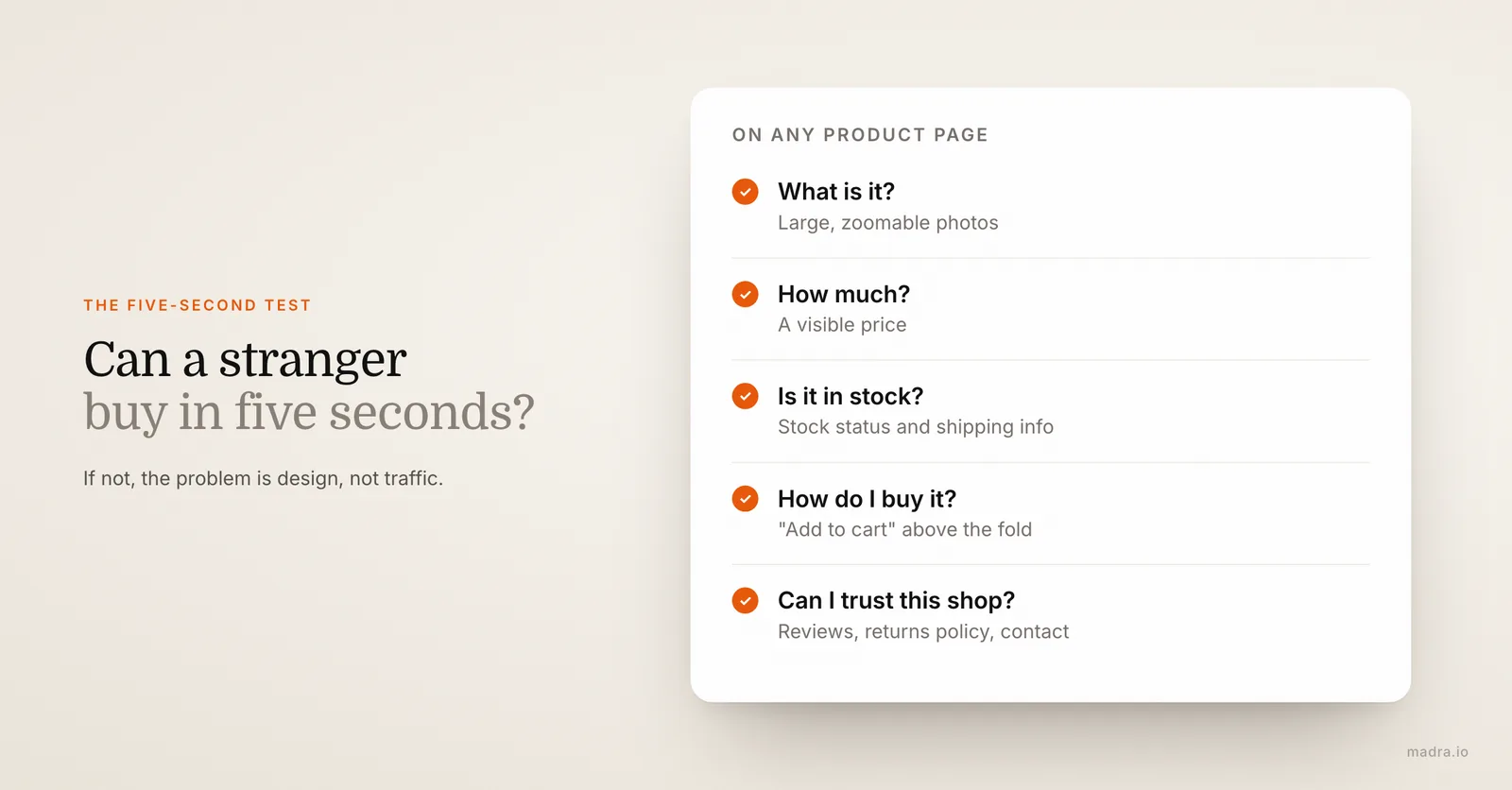
- Clear product pages. Large, zoomable photos, honest descriptions, visible price, stock status, shipping info and an obvious "Add to cart" button above the fold.
- Effortless navigation. Logical categories, a working search bar with filters, and breadcrumbs so shoppers never feel lost.
- Trust signals. Customer reviews, security badges, a clear returns policy, and visible contact details. People do not buy from stores they do not trust.
- A short checkout. Guest checkout, as few form fields as possible, multiple payment methods, and no surprise costs at the final step.
- Mobile first. Most ecommerce traffic is on phones, so the mobile experience is the experience, not an afterthought.
The best design decision you can make is to remove a step from your checkout. Every field you delete is a sale you keep.
A useful way to test your own design is to imagine a stranger landing on a product page with no context. Can they tell what the item is, how much it costs, whether it is in stock, and how to buy it, all within five seconds? If the answer is no, the problem is design, not traffic. If you are still deciding whether the investment is worth it at all, our guide on why your business needs a website covers the fundamentals before you commit to a full store.
The best ecommerce platforms compared
Your platform shapes your costs, your design freedom and how much you can do yourself. There is no single "best" choice, only the best fit for your size, budget and technical comfort. Here are the four most common options for ecommerce website development in 2026.
- Shopify is the most popular all-in-one platform. Hosting, security and payments are built in, themes are polished, and you can launch quickly. The trade-off is monthly fees plus transaction fees if you do not use Shopify Payments.
- WooCommerce is a free plugin for WordPress. It offers the most flexibility and no platform fees, but you manage your own hosting, security and updates, so it suits people who want full control.
- BigCommerce is built for stores that plan to scale, with strong built-in features and no transaction fees. It can feel heavier than Shopify for very small shops.
- Wix is the easiest drag-and-drop option for small catalogs and beginners. It is simple to use but less flexible once you grow beyond a few dozen products.
| Platform | Best for | Ease of use | Typical monthly cost | Transaction fees |
|---|---|---|---|---|
| Shopify | Most small to mid stores | Easy | $29 to $79 | Yes, unless Shopify Payments |
| WooCommerce | Full control, WordPress users | Moderate | $10 to $50 (hosting) | No platform fee |
| BigCommerce | Stores planning to scale | Moderate | $39 to $105 | None |
| Wix | Beginners, small catalogs | Very easy | $27 to $59 | None |
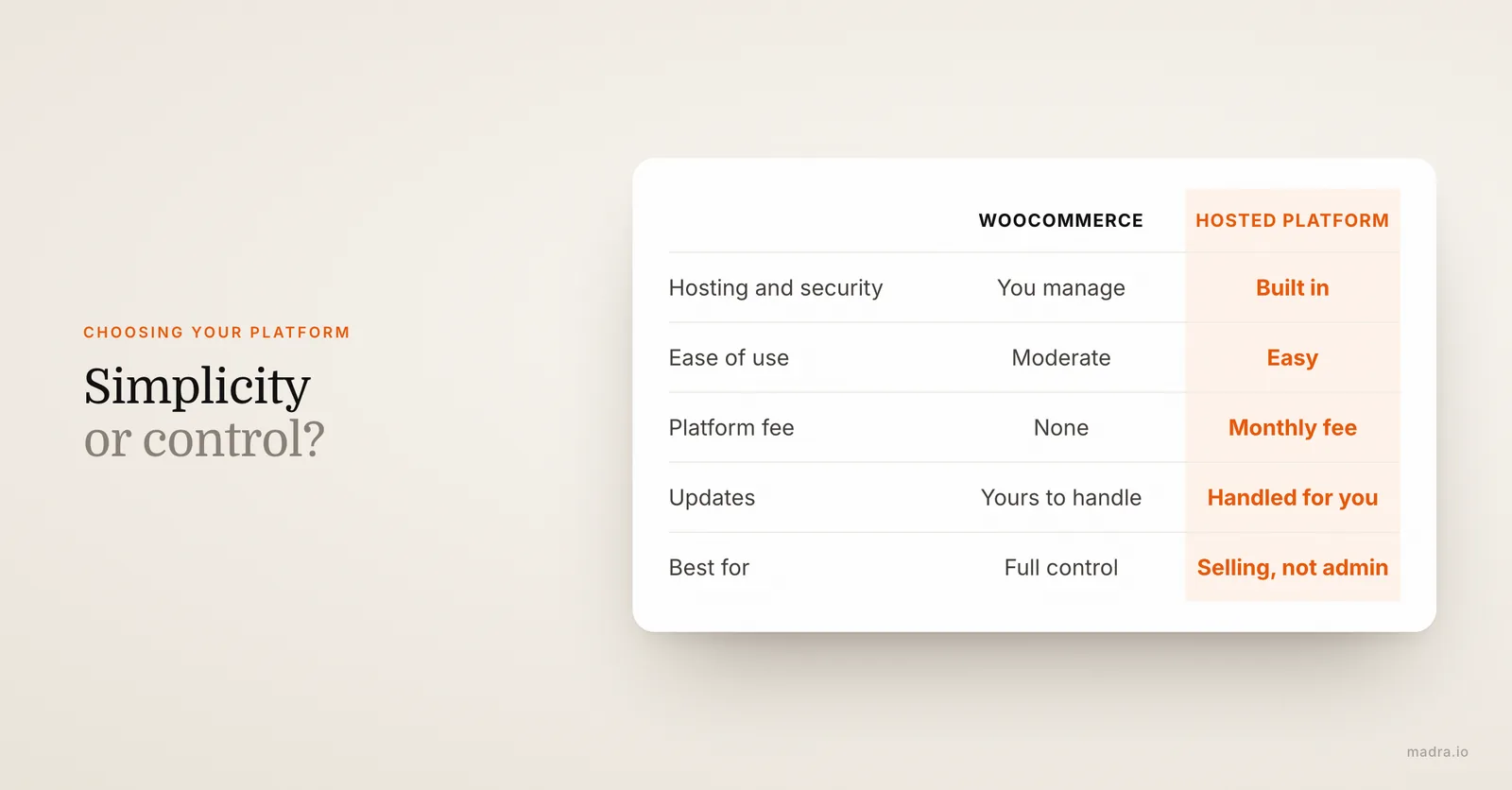
The pattern is clear: hosted platforms (Shopify, Wix, BigCommerce) trade a monthly fee for simplicity, while WooCommerce trades simplicity for control and lower platform costs. As a rule of thumb, pick a hosted platform if you would rather sell products than manage software, and pick WooCommerce only if you (or someone on your team) are comfortable handling hosting, security and updates. Switching platforms later is possible but painful, so it is worth choosing carefully up front rather than rushing.
What ecommerce website design really costs
This is where most guides go vague. The honest answer is that an ecommerce site has two cost layers: the one-time build (design and setup) and the ongoing running costs (platform, hosting, payments, apps). Both matter.
Here is a realistic 2026 breakdown for the custom ecommerce website design build itself, depending on who does the work:
| Approach | Upfront cost | Timeline | Best for |
|---|---|---|---|
| DIY on a template | $0 to $500 | 1 to 4 weeks | Tiny budgets, simple catalogs |
| Freelancer | $1,500 to $7,000 | 3 to 8 weeks | Custom look, small business |
| Agency | $8,000 to $50,000+ | 2 to 6 months | Complex, high-volume stores |
On top of the build, plan for recurring costs every month:
- Platform or hosting: roughly $10 to $105 per month.
- Payment processing: around 2.9% plus $0.30 per transaction with most providers.
- Domain name: about $10 to $20 per year.
- Apps and add-ons: reviews, email, shipping tools, often $0 to $100+ per month.
For a deeper breakdown of pricing across every type of site, including showcase sites and stores, see our full guide on how much a website costs.
The ecommerce website build process, step by step
A store is not just a homepage with a cart bolted on. Good ecommerce website development follows a logical order, and skipping steps is how projects run over budget. Here is the realistic sequence from idea to launch:
- Plan and strategy. Define your products, target customer, brand look, and the platform that fits. This is the cheapest stage to make changes, so spend time here.
- Choose your platform and domain. Lock in Shopify, WooCommerce, BigCommerce or Wix, and register your domain.
- Design the structure. Map categories, the homepage, product page template, cart and checkout flow before touching visuals.
- Build and style. Apply your branding, set up the theme, and design product and category pages for clarity and speed.
- Add products and content. Upload products with strong photos, write honest descriptions, and set up shipping, taxes and policies.
- Set up payments and shipping. Connect a payment processor, configure shipping rates, and test the full purchase flow yourself.
- Optimize for SEO and speed. Add page titles, meta descriptions, alt text and structured data so Google can find your products.
- Test, then launch. Place real test orders on mobile and desktop, check every link, then go live.
- Maintain and improve. Monitor analytics, update stock, and refine pages based on what shoppers actually do.
Want to see how a managed, done-for-you process compares to building it all yourself? Our how it works page walks through the Madra approach.
Ecommerce design mistakes that quietly kill sales
Most stores do not fail because of one big error. They lose sales through a handful of small, fixable mistakes. If your traffic is decent but orders are low, the culprit is almost always on this list:
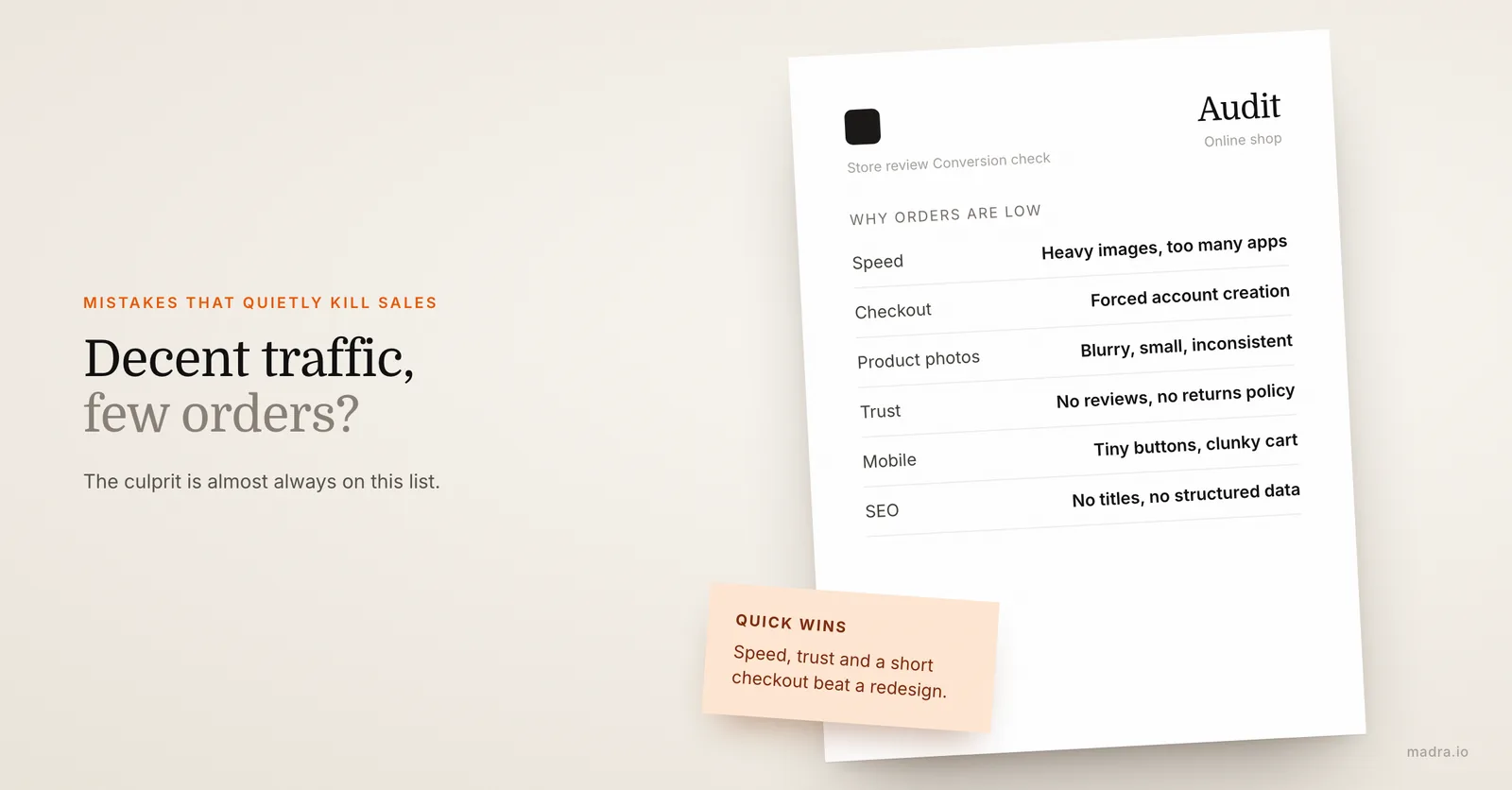
- A slow site. Heavy images and too many apps make pages crawl, and impatient shoppers leave before they ever see your products.
- A long or confusing checkout. Forcing account creation, asking for too much information, or hiding shipping costs until the last step are classic conversion killers.
- Weak product photos. Blurry, small or inconsistent images make even great products look untrustworthy.
- No trust signals. Missing reviews, no returns policy and no visible contact details make first-time buyers hesitate.
- Poor mobile experience. Tiny buttons, text that does not fit, and a clunky mobile cart cost you the majority of your audience.
- Ignoring SEO. If your product pages have no titles, descriptions or structured data, Google cannot rank them and you rely entirely on paid traffic.
- No analytics. Without tracking, you are guessing. You cannot fix what you cannot see.
Fixing these costs nothing in design talent and everything in sales. Speed, trust and a short checkout beat a fancy redesign almost every time.
How Madra can help with your online presence
Designing, building and maintaining an ecommerce store is a real project. If your priority right now is a strong, professional presence that brings in customers and builds trust, a showcase website is often the fastest, smartest first step, and that is exactly what Madra delivers today.
Here is how Madra works for professional showcase sites, available now:
- You describe your business in a short form.
- Our AI generates a complete, custom site, and a human expert reviews it before it goes live.
- Your site is delivered in 24 hours.
- Everything is included: your domain, hosting and SSL, built-in SEO, ongoing edits, and no ads.
- Pricing starts at $29.90/mo, with no large upfront build fee.
To be fully transparent: the plans from $29.90/mo are for professional showcase sites, which are live and ready today. If you want a full online store, Madra also offers a store option (catalog, orders, online payments via Stripe).
To discuss it, email us at hello@madra.io. Either way, you can get a professional site live this week.
Your professional website, done for you. Get your site in 24h →
Frequently asked questions
How much does ecommerce website design cost?
The upfront build ranges from around $0 to $500 for DIY templates, $1,500 to $7,000 for a freelancer, and $8,000 to $50,000 or more for an agency. On top of that, expect recurring costs: roughly $10 to $105 per month for your platform or hosting, payment fees of about 2.9% plus $0.30 per sale, and $10 to $20 per year for a domain.
What makes a good ecommerce website design?
Good ecommerce design prioritizes speed, clarity and trust over flashy visuals. The best stores load in under two seconds, have clear product pages with large photos and visible prices, easy navigation and search, strong trust signals like reviews and a returns policy, a short guest-friendly checkout, and a mobile-first experience since most shoppers buy on their phones.
Can AI design an ecommerce website?
Yes. AI can generate the design, structure and copy of a site very quickly, which is how Madra builds professional showcase sites in 24 hours with a human expert reviewing every result before launch. Madra also offers a store option (catalog, orders, online payments via Stripe): email hello@madra.io to discuss it. AI-built showcase sites are available from $29.90 per month.
How long does it take to build an ecommerce site?
A DIY store on a template can take 1 to 4 weeks, a freelancer build typically runs 3 to 8 weeks, and a custom agency project can take 2 to 6 months. The timeline depends mostly on your catalog size, how custom the design is, and how ready your product photos and content are when you start.